Tutorial-driven development with Kiro
During the week, I teach developers about Kiro’s spec-driven development. On the weekends, though, I’ve been doing something different: tutorial-driven development. I ask Kiro to create a targeted tutorial just for me.
Yes, there are existing tutorials on just about every topic. But AI lets me build one tailored to my interests and skill level. I get to build something I actually care about while I learn. That’s just more engaging than following a generic walkthrough.
I can also customize the tutorial to my needs. If I already know how to do something in one language but want to learn it in another, the tutorial can make those comparisons for me. If I want to skip the basics and dive into advanced topics, it adjusts. The tutorial meets me where I am.
Learning FastMCP with a Family Tree Server
Genealogy has always been an interest of mine. Yeah, I know—I’m too young for that hobby. But here we are.
I wanted to learn FastMCP, the Python library for building Model Context Protocol servers. Rather than following a generic tutorial, I asked Kiro to create one around something I’d actually use:
|
|
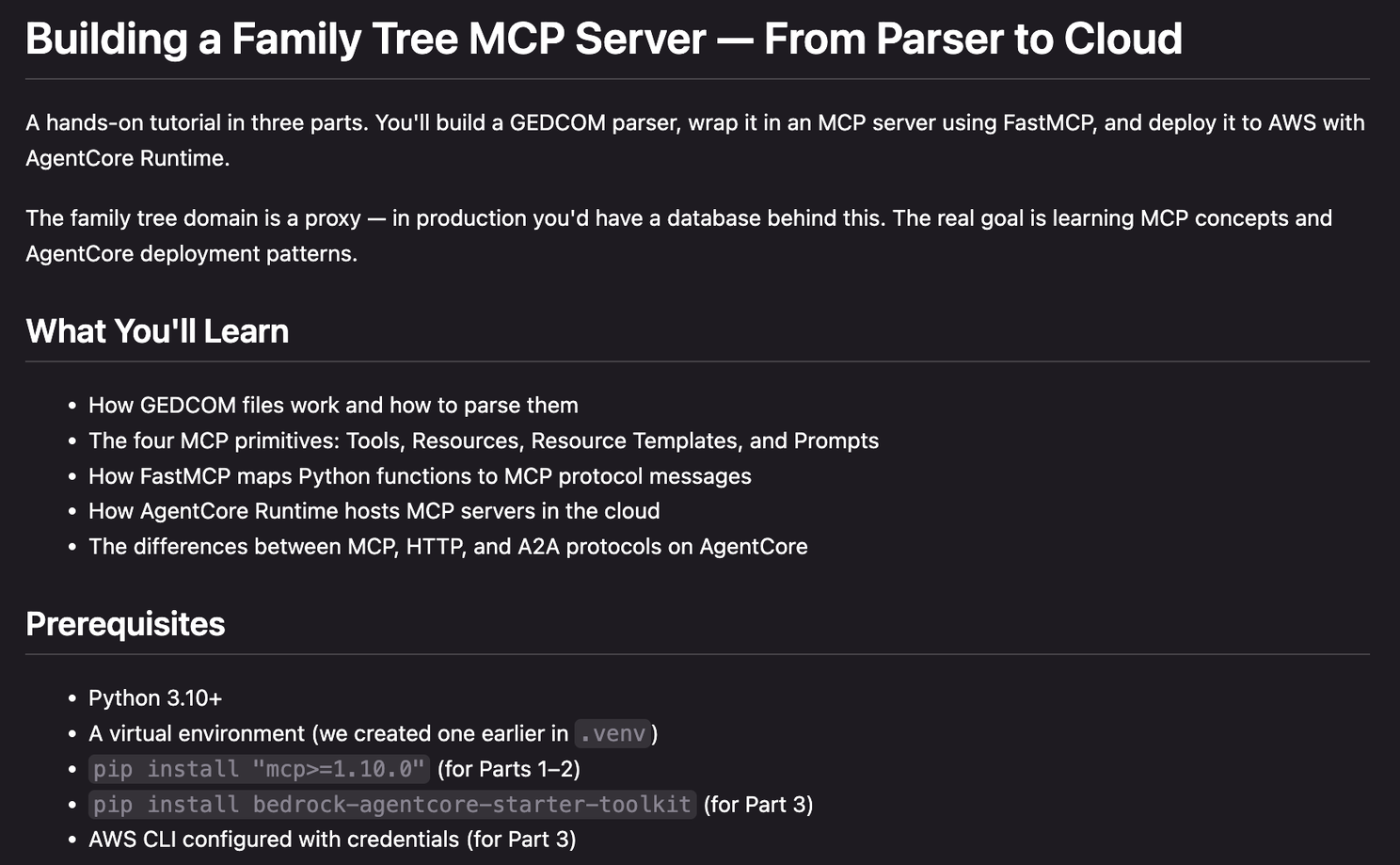
Kiro generated a three-part tutorial that walked me through GEDCOM parsing, the four MCP primitives (Tools, Resources, Resource Templates, and Prompts), and finally deploying to AWS with AgentCore Runtime.
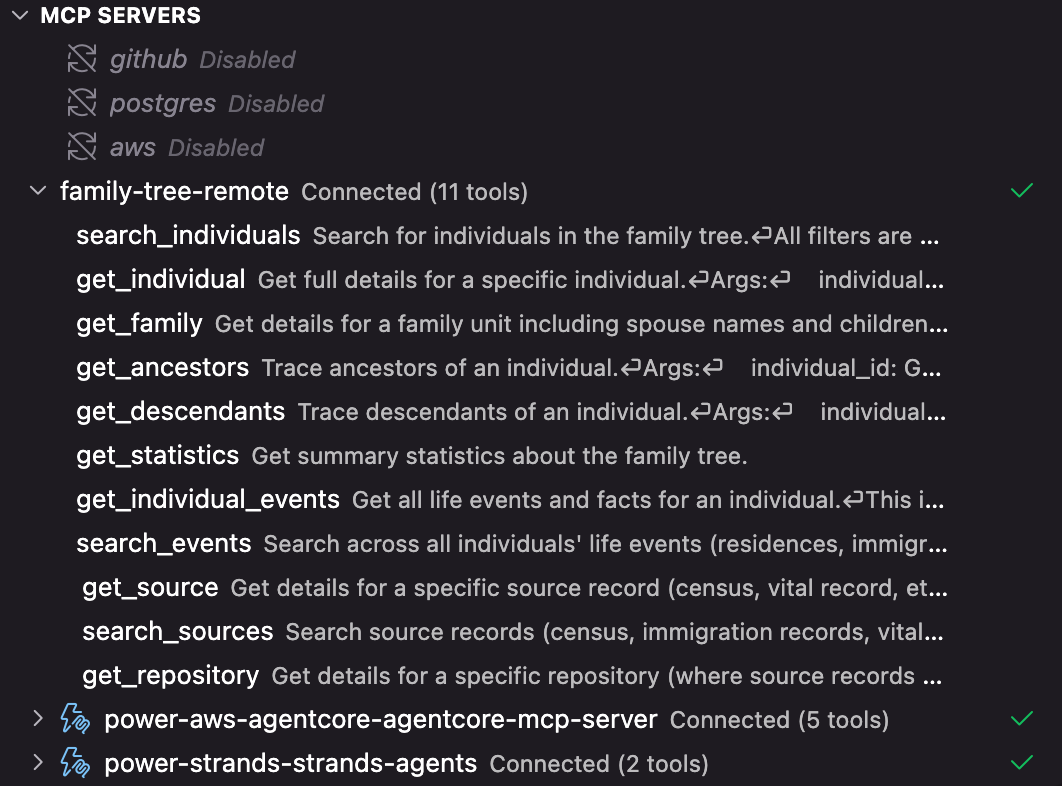
The result? A working MCP server loaded right into Kiro. I don’t actually do genealogy research in my IDE, but it’s a great place to test the tools before connecting them to an agent.
Building a Genealogist Agent with Strands and AgentCore
With the MCP server working, I wanted to go further. I wanted to learn Strands Agents and AgentCore—how to build an AI agent that could use those tools, deploy it to the cloud, and add production features like memory and access control.
Same approach:
|
|
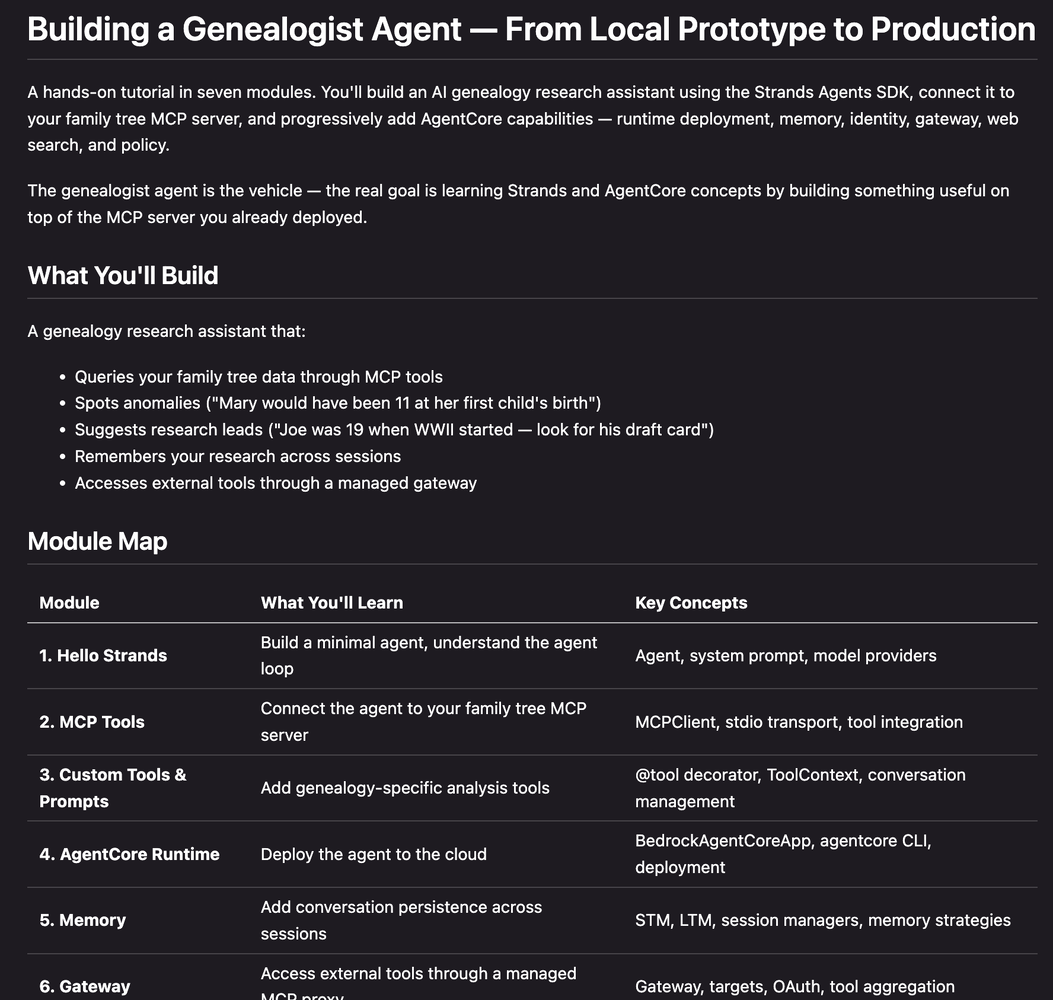
Kiro created a seven-module tutorial that progressed from a three-line “Hello Strands” agent all the way to Cedar policy enforcement through an AgentCore Gateway.
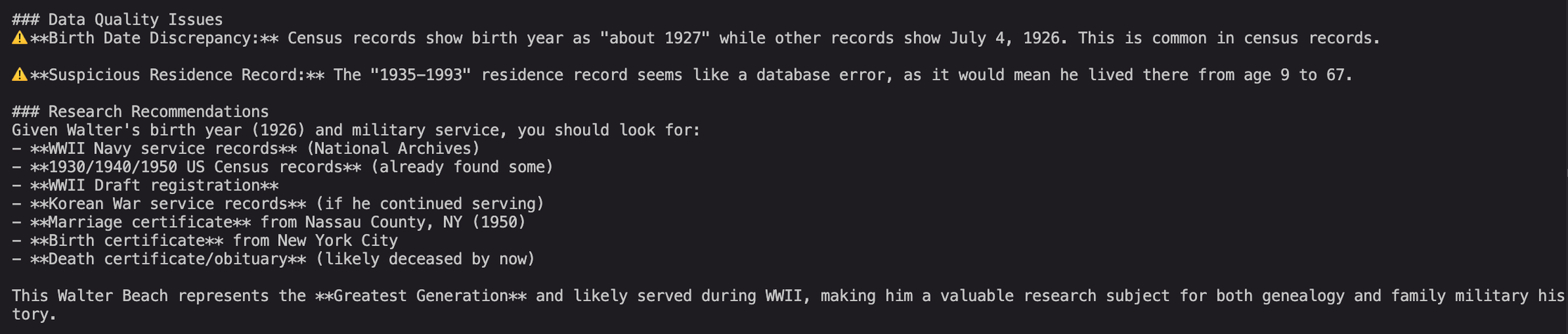
The agent connects to my family tree MCP server and actually helps with research. It spots anomalies in the data (“Mary would have been 11 at her first child’s birth—that date might be wrong”), suggests records to look for based on historical context, and remembers our conversation across sessions.
Why This Works
The magic isn’t that AI wrote a tutorial. It’s that AI wrote my tutorial.
Generic tutorials optimize for the broadest audience. They explain things I already know and skip things I need. They use contrived examples that don’t stick. Tutorial-driven development flips this: I describe what I want to learn and what I want to build, and the tutorial adapts to both.
A few things that made this effective:
-
Real data, real motivation. Using my actual family tree meant I cared about the output. When the agent found an inconsistency in my great-grandmother’s records, I wanted to fix it.
-
Progressive complexity. Each module built on the last. I wasn’t overwhelmed with AgentCore deployment details before I understood the basic agent loop.
-
Immediate feedback. I could test each step in Kiro before moving on. When something didn’t work, I asked Kiro to help debug it—still in the context of the tutorial.
-
Tailored explanations. When I asked for comparisons to patterns I already knew, I got them. When I wanted to skip ahead, I could.
Try It Yourself
Next time you want to learn a new framework or library, try this: don’t search for an existing tutorial. Ask your AI assistant to create one for you. Tell it what you want to build, what you already know, and how you learn best.
You might be surprised how much more you retain when the tutorial is built around something you actually care about.